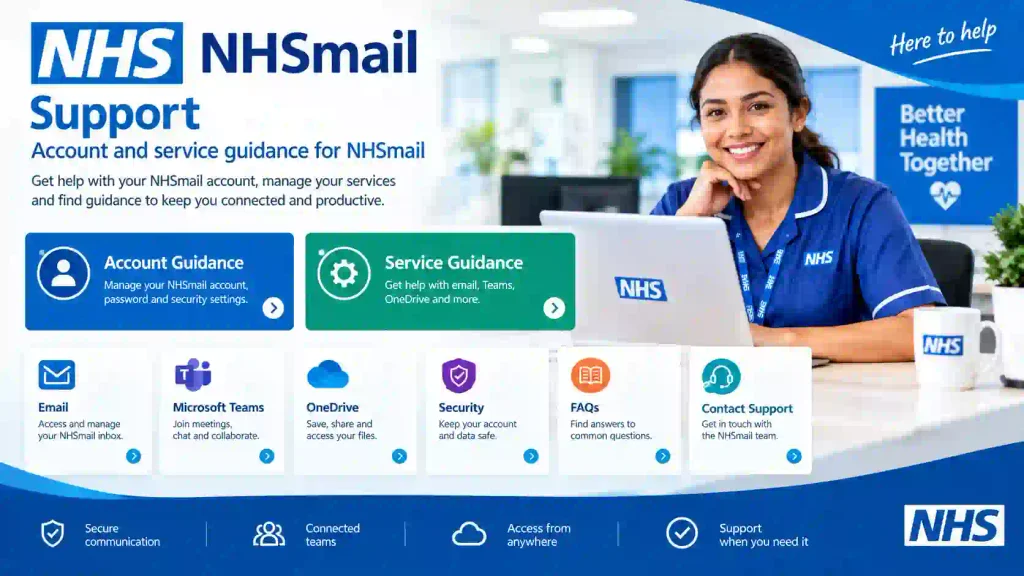
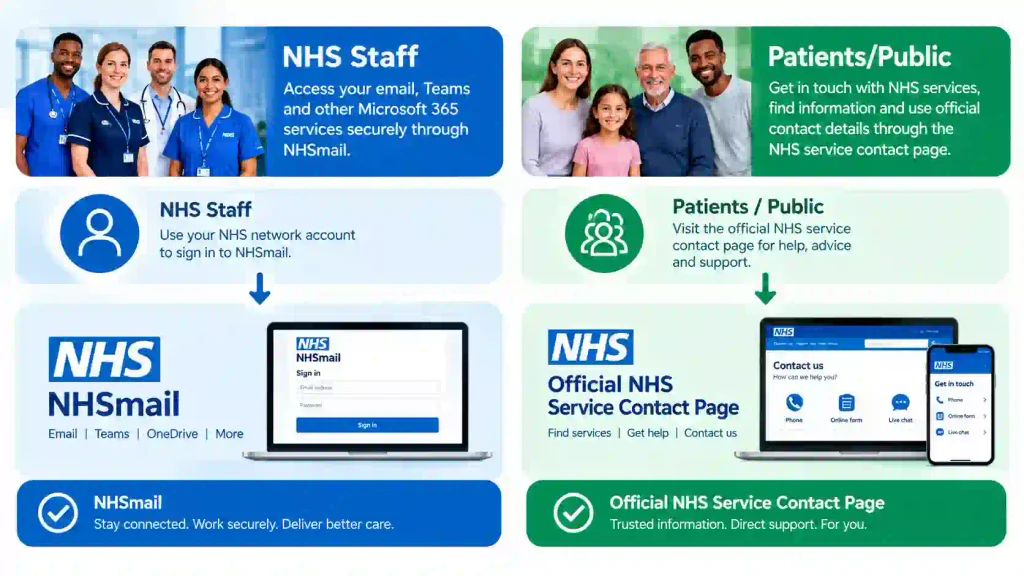
Discover what NHS email means, how NHSmail works, how to find official NHS email addresses, and how staff and patients can contact NHS services safely.
👉 Join a WhatsApp channel that posts ONLY UK visa sponsorship jobs: WhatsApp Channel
NHS Email: The Ultimate Guide to NHSmail, NHS Email Addresses and Contact Options
Most people searching for “NHS email” want to find the right NHS email address, contact an NHS organisation, or access an NHSmail account. However, NHSmail, a staff member’s NHS email address, and a public NHS contact email are not necessarily the same thing. In this guide, we’ll explain what NHS email means, how NHSmail works, how to find the correct official address, and what NHS staff and patients should know before sending an email.
Key Takeaways
NHSmail is a secure email and collaboration service used by health and social care organisations for professional communication and sharing sensitive information.
An NHS email address can mean an NHSmail account or a public contact email published by an NHS organisation or service.
Patients should use official contact information provided by their GP practice, hospital, NHS service, or relevant organisation rather than assuming every NHSmail address accepts patient enquiries.
NHS staff should use authorised NHS email systems and follow their organisation’s confidentiality and information-security procedures.
Official NHS websites are the safest starting point for finding a genuine NHS organisation’s contact email address.
Email addresses and recipients should be checked carefully before confidential or sensitive information is sent.
NHSmail access problems should be handled through the appropriate organisation or approved NHSmail support route.
What Is NHS Email and What Is NHSmail?
NHSmail is a secure email and collaboration service used by health and social care organisations for professional communication. NHS England describes NHSmail as a secure, encrypted service approved and owned by NHS England for sharing patient-identifiable and sensitive information. It is also described as the nationally commissioned emailing service for the NHS.
First, the phrase “NHS email” has more than one meaning. Someone searching for it may be looking for an NHSmail login, an individual staff address, a GP practice email, a hospital contact address, or an NHS organisation’s general enquiries mailbox.
For example, an NHS employee may use an individual @nhs.net address for professional communication, while a patient may need a public contact address displayed on their GP practice or hospital website.
What Is an NHSmail Address Used For?
An NHSmail address is primarily used for authorised professional communication within health and social care. NHS England guidance says NHSmail must be used appropriately for business purposes and that users must take care when sending emails containing confidential information.
For example, healthcare professionals may use NHSmail to communicate with colleagues, healthcare organisations, or approved services where secure email communication is appropriate.
Moreover, NHSmail can support shared mailboxes and organisational communication, so not every NHS email address identifies one individual person.
Why Is NHS Email Important?
NHS email is important because official and secure email systems help healthcare organisations communicate while protecting confidential information. NHS England states that health and care organisations need to send and receive messages, documents, and images securely.
First, professional healthcare communication can involve sensitive information. For example, an email between authorised healthcare professionals could contain information relating to a patient’s care, referral, appointment, or administration.
Second, using the correct email route reduces the risk of sending information to the wrong recipient. NHS England specifically advises users to take care when addressing emails, particularly when using Cc, address books, and distribution lists.
Third, NHSmail incorporates security features designed to help protect communications from common email threats. NHS England says the NHSmail gateway includes malware, phishing, and spam detection.
NHS email security depends on both the technology and the user’s actions.
For example, an NHSmail user can still create a data-security problem by selecting the wrong recipient or attaching information to an unintended email.
How Does NHSmail Work?
NHSmail provides authorised health and care users with secure email and collaboration capabilities through the NHSmail service. Access and administration depend on the user’s organisation, role, and applicable NHSmail arrangements.
Who Can Use NHSmail?
NHSmail is intended for eligible health and social care organisations and their authorised users. The exact access process varies according to the organisation and professional setting.
For example, NHS England provides NHSmail guidance for areas including general practice, dentistry, and social care. Dental practices can request NHSmail access, while social care organisations can follow specific registration procedures.
At the same time, not every person who works in or interacts with healthcare automatically receives an NHSmail account. Access should be arranged through the appropriate organisation or approved process.
What Does an NHS Email Address Look Like?
NHSmail addresses commonly use the @nhs.net domain. NHS England guidance identifies nhs.net as the NHSmail domain and explains that NHSmail addresses end in nhs.net.
For example, an address might follow a format such as:
firstname.lastname@nhs.net
However, the exact address format can vary, particularly for shared mailboxes and organisational accounts.
A familiar-looking NHS email address should not automatically be treated as genuine. Always verify the address through an official NHS source or your organisation’s approved directory.
How Do I Log In to My NHSmail Account?
NHSmail users generally access their account through the official NHSmail portal using their authorised account credentials and required security controls. New users must complete several setup requirements before they can use their account.
How Do New NHSmail Users Sign In?
New NHSmail users must complete the required account setup steps before sending and receiving email. NHSmail guidance states that first-time users must accept the Acceptable Use Policy, register for Multi-Factor Authentication, update their profile, and set their user account secret.
A typical process is:
Open the official NHSmail portal.
Select the appropriate sign-in option.
Enter your authorised NHSmail credentials.
Complete required security or MFA steps.
Complete any first-time account requirements.
Access your mailbox after successful authentication.
Never share your NHSmail password, MFA code, or account-secret information with another person.
What Should I Do If I Cannot Access NHSmail?
NHSmail access problems should normally be handled through your local administrator, ICT support desk, or the appropriate NHSmail support route. NHS England identifies local administrators as key contacts for account administration, including password resets when self-service recovery cannot be used.
For example, NHS England states that NHSmail users can obtain national helpdesk advice through the NHSmail helpdesk and support service.
Do not send your password or authentication codes to someone claiming to provide NHSmail support.
How Can I Find an NHS Organisation’s Email Address?
The safest way to find an NHS organisation’s email address is to identify the organisation first and verify its contact details on an official NHS website.
First, determine exactly who you need to contact. The correct route could be a GP practice, NHS hospital, NHS trust, community service, NHS England team, or another healthcare organisation.
Third, check whether the published address is intended for patients, professionals, media enquiries, recruitment, complaints, or another specific purpose.
For example, NHS England publishes separate contact routes for different audiences and states that members of the public and patients should use its Customer Contact Centre rather than staff-only email addresses.
NHSmail vs General NHS Contact Email
Feature
NHSmail
Public NHS contact email
Main purpose
Professional health and care communication
Public or organisational enquiries
Typical users
Authorised staff and organisations
Patients, carers, professionals or the public
Common domain
@nhs.net
Depends on organisation
Security requirements
Designed for secure healthcare communication
Depends on the specific service
Best starting point
NHSmail portal/support
Official NHS organisation website
Patient enquiries
Not automatically appropriate
Use the designated patient contact route
An NHSmail address should not automatically be assumed to be the correct patient contact address.
How Can Patients Contact the NHS by Email?
Patients should use the official contact method published by their GP practice, hospital, NHS service, or other relevant NHS organisation. NHS.uk explains that GP practices may provide online forms and other digital contact routes, while patients can also contact practices by telephone or in person.
First, search for the relevant NHS service through the official NHS website or the organisation’s official website. Then check the service’s published contact instructions.
For example, a GP surgery may use an online consultation form rather than a general email address for certain patient requests.
Second, remember that NHS login and NHSmail are different services. NHS login is a patient-facing service that allows people to access multiple connected health and social care services with one login.
Can Patients Email NHS Staff Directly?
Patients should not assume that an individual NHSmail address is an appropriate route for contacting an NHS employee directly. The correct communication route depends on the organisation’s procedures and the purpose of the enquiry.
For example, a hospital may provide a dedicated patient-relations mailbox, department contact address, online form, or telephone service instead of asking patients to contact individual staff members.
Use the published contact route for the service whenever one is provided.
Is NHSmail Secure for Confidential Information?
NHSmail is designed to support secure communication of confidential health and care information when used according to NHS information-governance requirements. NHS England describes NHSmail as encrypted and approved for sharing patient-identifiable and sensitive information.
First, security does not mean users can send confidential information carelessly. The sender must verify the recipient, follow local policies, and use appropriate security controls.
For example, NHS England guidance says confidential information sent to an address that does not end in @nhs.net should be encrypted unless the recipient’s system meets the applicable secure-email standard.
Second, NHSmail includes an encryption feature for communication with some non-accredited or non-secure email services.
Third, recipient verification is essential. An encrypted message sent to the wrong person can still create a confidentiality incident.
Secure NHS email reduces communication risk, but it does not remove the need for careful information handling.
What Information Should You Send by NHS Email?
NHS email should be used only for appropriate professional communication and in accordance with organisational information-governance requirements. NHS England guidance states that NHSmail must be used responsibly and that confidential information must be handled appropriately.
Before sending a message, check:
Recipient: Is the email address correct?
Purpose: Does the recipient need this information?
Attachment: Is the correct file attached?
Confidentiality: Does the message contain sensitive information?
Security: Is the destination email system approved for the information being sent?
Cc/Bcc: Are all copied recipients supposed to receive the information?
Phishing: Is the email request genuine?
For example, if a message contains patient-identifiable information, the sender should follow the organisation’s approved process rather than treating it like an ordinary personal email.
The safest NHS email practice is to verify before sending.
What Are Common NHS Email Uses?
NHS email is commonly used for professional communication, organisational administration, collaboration, and secure information exchange where the service and local policy permit it.
For example, appropriate uses can include:
Staff-to-staff professional communication.
Communication between healthcare organisations.
Administrative coordination.
Sharing appropriate documents through approved secure processes.
Communication with health and social care partners.
Managing organisational or shared mailboxes.
At the same time, the exact permitted use depends on NHSmail policies and the user’s organisation. NHS England states that NHSmail accounts must be used appropriately and that users must follow the applicable Acceptable Use Policy.
What Tools Can Help You Find or Use NHS Email?
The most useful NHS email tools are the official NHSmail portal, NHSmail Support, NHS.uk service directories, and individual NHS organisation websites.
NHSmail Portal
The NHSmail portal is the appropriate starting point for authorised users who need to access NHSmail. The official NHSmail support documentation provides guidance for first-time login and account management.
NHSmail Support
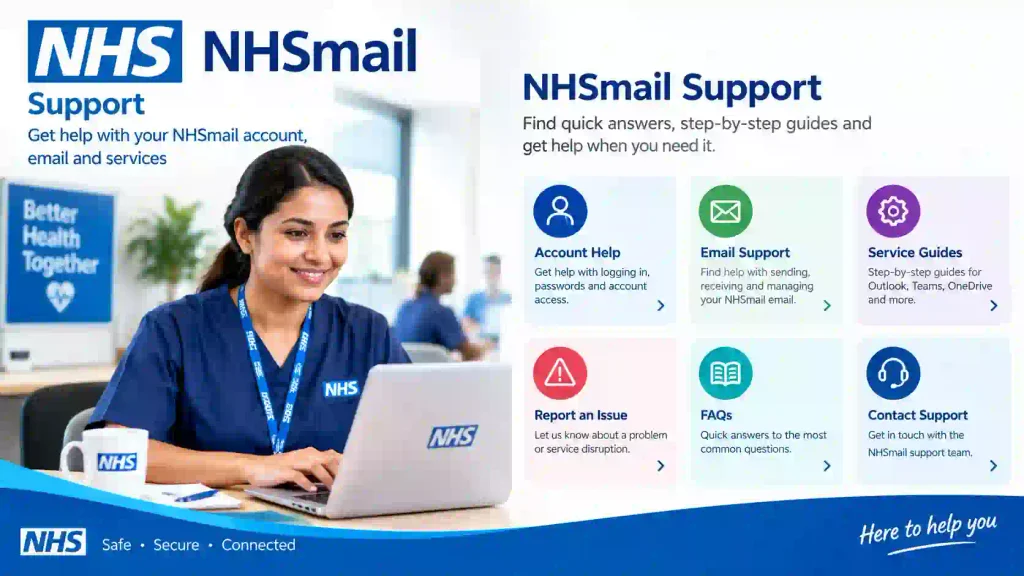
NHSmail Support provides guidance for account access, security, service information, and other NHSmail issues. NHS England directs users to the NHSmail support service for help and identifies local administrators and ICT support teams as important support contacts.
NHS.uk
NHS.uk helps patients identify NHS services and find information about GP practices and healthcare services. Its GP section provides information about finding a GP and contacting practices.
Custom Diagram Suggestion
How Can You Check Whether an NHS Email Address Is Genuine?
You can check an NHS email address by verifying the organisation, domain, contact purpose, and address against an official NHS source.
First, check the domain carefully. NHSmail addresses commonly end in @nhs.net, but the domain alone should not be the only verification step.
Second, visit the relevant NHS organisation’s official website and compare the published contact information.
Third, be cautious if someone asks you to send passwords, payment details, authentication codes, or other sensitive information by email.
For example, an email claiming to be from an NHS organisation but directing you to an unrelated domain deserves additional verification before you respond.
An official-looking logo does not prove that an email is genuine.
What’s Next: How to Find the Correct NHS Email
Finding the correct NHS email starts with identifying the organisation and the purpose of your enquiry.
Use this checklist:
Identify the organisation. Determine whether you need a GP, hospital, NHS trust, NHS England, community service, or another organisation.
Identify your audience. Decide whether you are an NHS employee, healthcare professional, patient, carer, applicant, or member of the public.
Visit the official website. Use NHS.uk or the organisation’s official website.
Open the contact page. Look for patient services, general enquiries, professional contacts, complaints, recruitment, or another relevant department.
Verify the email address. Compare it with the official published information.
Check the purpose. Make sure the email address is intended for your type of enquiry.
Protect sensitive information. Follow the organisation’s instructions before sending confidential data.
Use NHSmail if you are an authorised staff user. Follow your organisation’s information-security procedures.
For NHS employees and healthcare applicants, professional email communication is also important during recruitment. If you are exploring healthcare careers, see our NHS jobs and healthcare vacancies
NHS email can refer to NHSmail for authorised professional users or to a public contact email published by an NHS organisation. The correct route depends on whether you are NHS staff, a healthcare professional, a patient, a carer, a job applicant, or another member of the public.
Moreover, NHSmail is designed for secure health and care communication, but users must still verify recipients and follow information-governance requirements. NHS England guidance specifically highlights careful recipient selection, appropriate handling of confidential information, and the use of encryption when required.
Finally, the safest way to find an NHS email address is to start with the official NHS or NHS organisation website. If you are an NHS employee who cannot access your account, use your local administrator, ICT support route, or official NHSmail support resources rather than sharing account credentials with anyone.
For healthcare professionals and applicants, you can also explore UK NHS jobs
Written by Dr. Yankee — author and healthcare-focused content contributor.
Reviewed by Editorial review team — NHS and healthcare information review.
Disclaimer: This article was initially drafted using AI assistance. However, the content has undergone thorough revisions, editing, and fact-checking by human editors and subject matter experts to ensure accuracy.